Template
Invoice templates
Seven free invoice templates for UK small businesses, sole traders and freelancers, each with a blank version and a worked example for a fictional business.
Download the template
Download everything
All 7 versions, in Word and PDF, in one ZIP file (2.9 MB).
More free templates from elsewhere
Free resources from other websites - we check these links regularly.
-
 Simple Invoice Template
Opens on Harvest
(external site, opens in a new tab)
-
 Limited Company Invoice Template (Non-VAT Registered)
Opens on IT Contractors UK
(external site, opens in a new tab)
-
 Limited Company Invoice Template (VAT Registered)
Opens on IT Contractors UK
(external site, opens in a new tab)
How to use it
- Pick the style that matches your work: standard, itemised, hourly, freelance, VAT fields, minimal or paid.
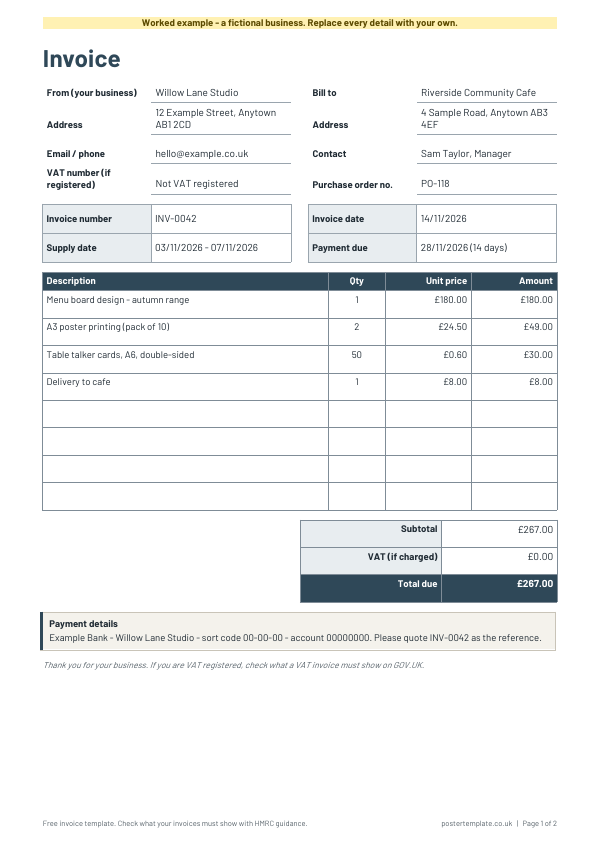
- Add your business name, address and contact details at the top left, and your customer's details on the right.
- Give every invoice its own number that never repeats, for example INV-0001, INV-0002, and keep a copy of each one.
- List what you supplied, one line per item or job, with the quantity, unit price and amount.
- Add up the totals. Only add VAT if your business is VAT registered. If you are unsure, check GOV.UK or ask an accountant.
- Say how to pay, with your bank details and the date payment is due, then send the invoice promptly.
About this template
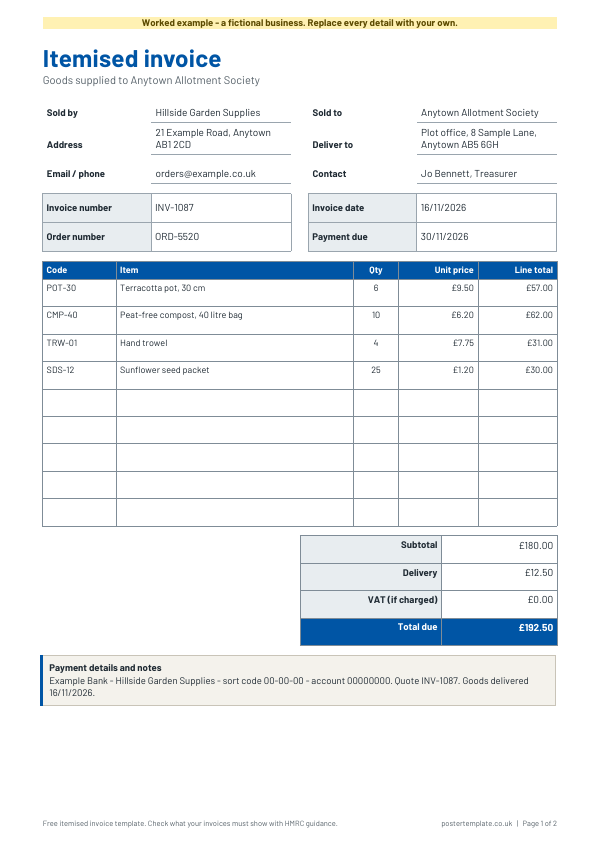
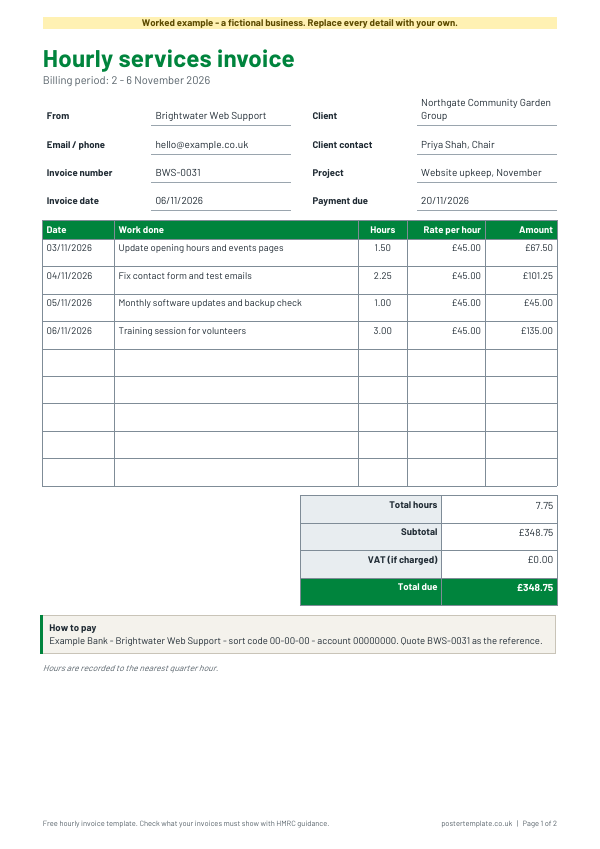
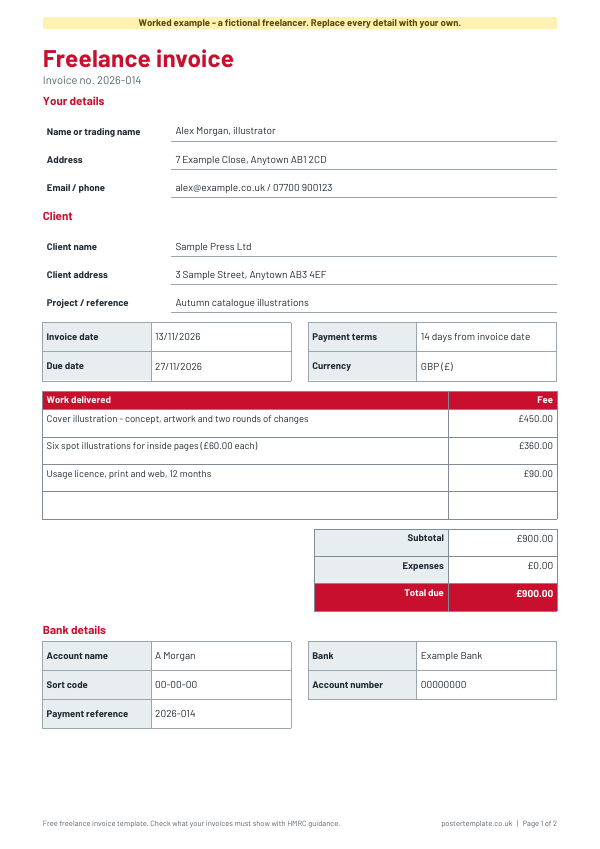
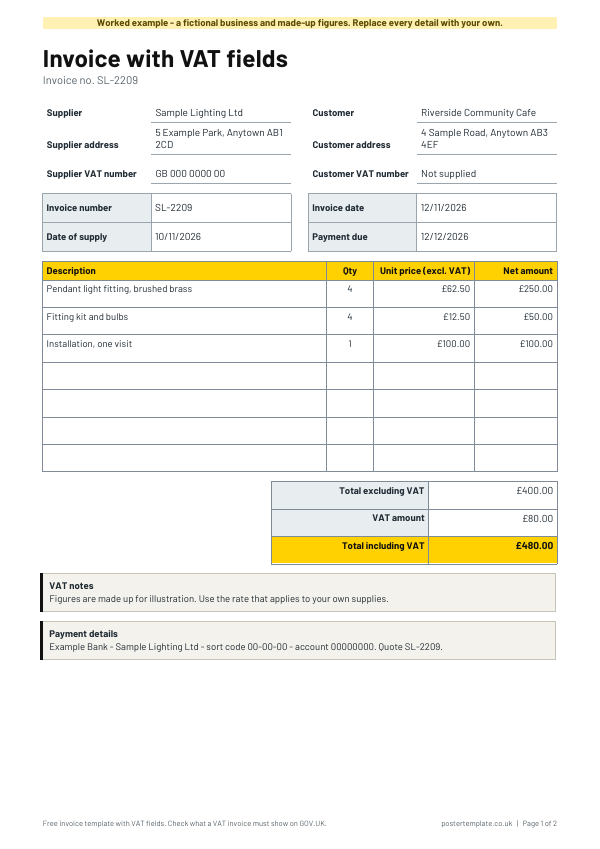
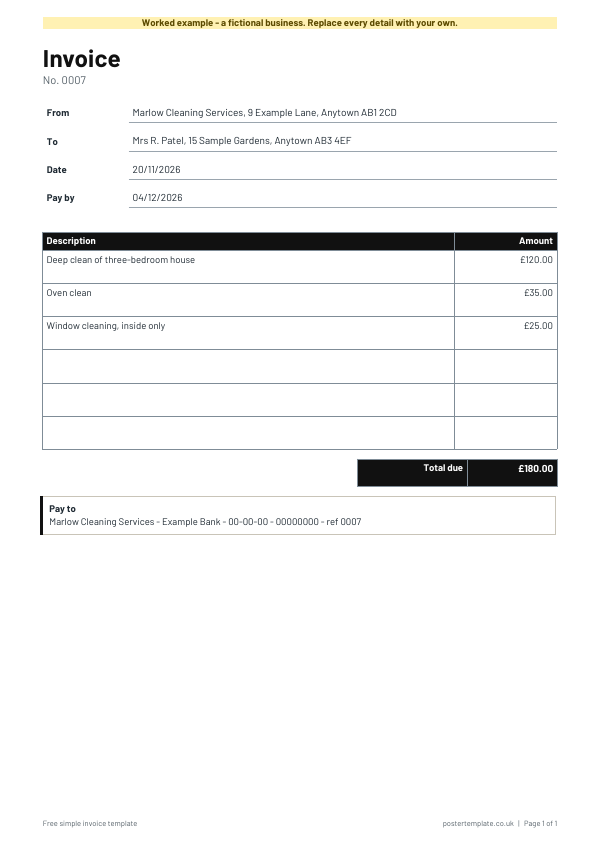
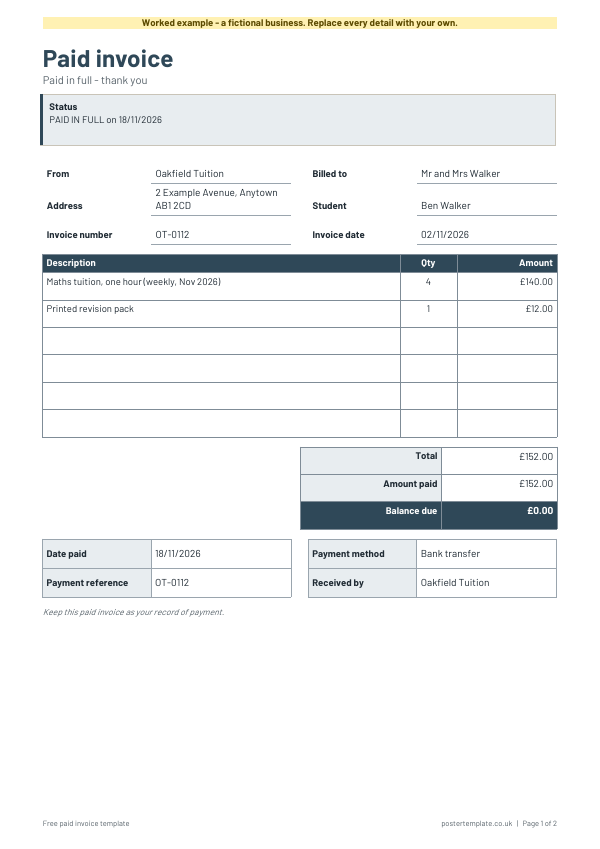
The standard invoice has boxes for both parties, invoice and payment dates, an items table, totals and payment details. Choose the itemised invoice for products with quantities and unit prices, the hourly services invoice for time-based work, or the freelance invoice with payment terms and a bank details block. The invoice with VAT fields has spaces for a VAT number and VAT amounts, with no rates or rules. The minimal invoice fits one clean page, and the paid invoice records a payment and shows a zero balance. Every template is a free editable Word file and a PDF.
Questions
What should an invoice include?
Typically your business name and address, the customer's details, a unique invoice number, the date, a description of what you supplied, the amounts and the payment terms. The rules depend on your business, so check GOV.UK for what applies to you.
Do I have to add VAT?
Only if your business is VAT registered. This template has a place for a VAT number, which you can leave empty. This page is not tax advice, so check HMRC guidance or ask an accountant if you are unsure.
Can I edit the template?
Yes. The Word file lets you type in your own details, change the column headings, add rows and change the footer. The PDF is for printing and filling in by hand.
How do I number my invoices?
Use any system that never repeats a number, such as INV-0001 followed by INV-0002. Keep a list so you can see which have been paid.
Which invoice template should I choose?
Use the standard invoice for general work and the itemised one when you sell products. Choose the hourly invoice for time-based work, the freelance invoice if you are self-employed and want payment terms and bank details laid out, and the minimal invoice for a quick one-page bill. Use the paid invoice once a customer has paid.
Do the VAT fields tell me what to charge?
No. The VAT template only gives you places to write a VAT number and show amounts. It does not say whether to charge VAT or at what rate, so check GOV.UK or ask an accountant.
Is there a template for a receipt or a quote?
Yes, see the related pages below for receipt, cost estimate and purchase order templates.
Related templates
 Receipt templates
 Sales receipt templates
 Cost estimate templates
 Purchase order templates
 Price list templates
Free, no sign-up. Edit the Word file or print the PDF. All templates